Cameras
The church camera system includes bodies, lenses, support, positions, and control selected around the room, not a cinema spec sheet.
 Start a project
Camera to stream
Cameras, screens, recording, and livestreaming designed around your room and the volunteers operating them.
Signal path
The congregation, online audience, and platform team may each need a different feed. Qohr coordinates cameras, graphics, screens, recording, and streaming around those needs and the volunteers running the service.
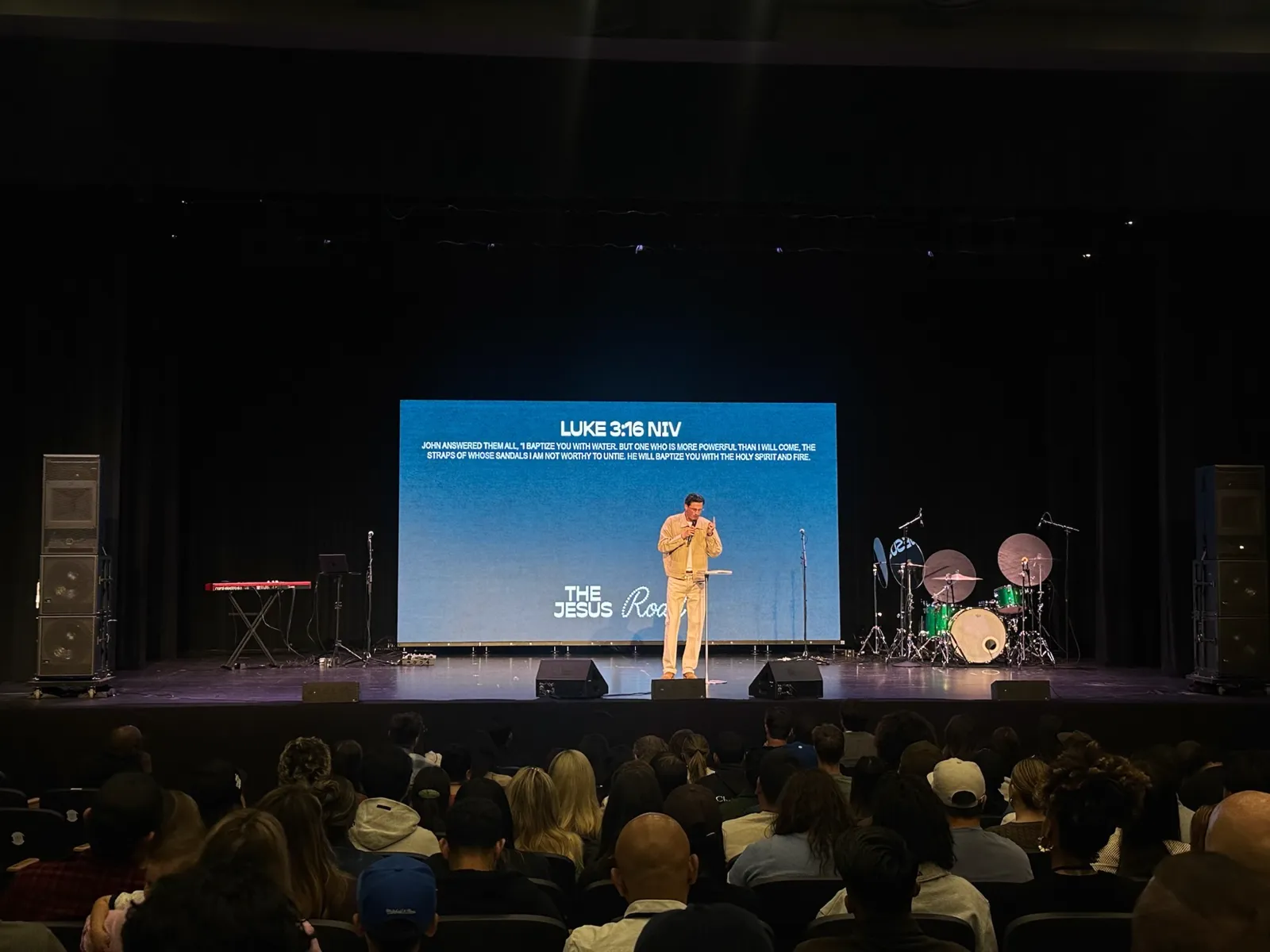
Cameras, lenses, switching, and screens need to serve the same production plan. We coordinate stage lighting and livestream audio with the video system, so the picture and sound can be tested together.
Planning a church video wall or LED screen?The church camera system includes bodies, lenses, support, positions, and control selected around the room, not a cinema spec sheet.
A production surface and shot flow matched to the number of operators your church can consistently staff.
Image magnification designed around viewing distance, latency, sightlines, and how movement reads on the video wall or projection screen.
Lyrics, lower thirds, playback, and key/fill workflows coordinated with the switcher and presentation system.
The right camera depends less on the brand than on distance: how far the camera sits from the platform and how tight the shot has to be. Match the class to the throw, then to the team running it.
Two or three fixed PTZ cameras, robotic cameras run from one controller, cover the pulpit, the platform, and a wide shot. Presets do most of the work, so one volunteer can switch and stream.
PTZ cameras still cover wide and fixed angles, but the main shot often moves to an operated camera on a tripod with a longer zoom lens. A tight shot from the back of a large room is where small cameras struggle.
A broadcast-style camera with a long zoom lens and studio controls holds the primary position, joined by cinema-style cameras on tripods or wireless links for close coverage.
At Encounter Church, a fixed primary camera and two roaming cameras provide complementary views, all feeding one 4K switcher.
A complete system covers equipment, cabling, mounting, programming, commissioning, and training. These three scopes show how the work grows with the room and the crew; Qohr prices each one from your room.
| Project situation | Cameras | Generally includes |
|---|---|---|
| One room, stream and recordOne operator | Cameras2 to 3 PTZ | Generally includes A compact switcher with graphics and playback, a stream encoder and recorder, a confidence monitor, and presets for one operator. |
| Sanctuary with IMAG and streamSmall crew | Cameras3 to 5, one operated | Generally includes An operated long-lens position, separate IMAG and stream mixes, routing to lobby and overflow displays, and a booth laid out for a small crew. |
| Broadcast-led or multi-roomTrained team | CamerasBroadcast and cinema | Generally includes Wireless links, a multi-bus switcher, routing with multiview, destinations across the campus, and a control room for a trained team. |
Displays are budgeted on their own; the LED wall cost guide covers them. Reusing reliable cameras or a switcher can lower the cost. Long cable runs, new conduit, and extra destinations raise it.
Send us your rooms and outputsCommissioning follows the whole signal path: camera and graphics sources, screen feeds, audio sync, recording, and stream output. Training uses the installed controls, service presets, and recovery steps, so operators can rehearse the workflow they will use on Sunday.
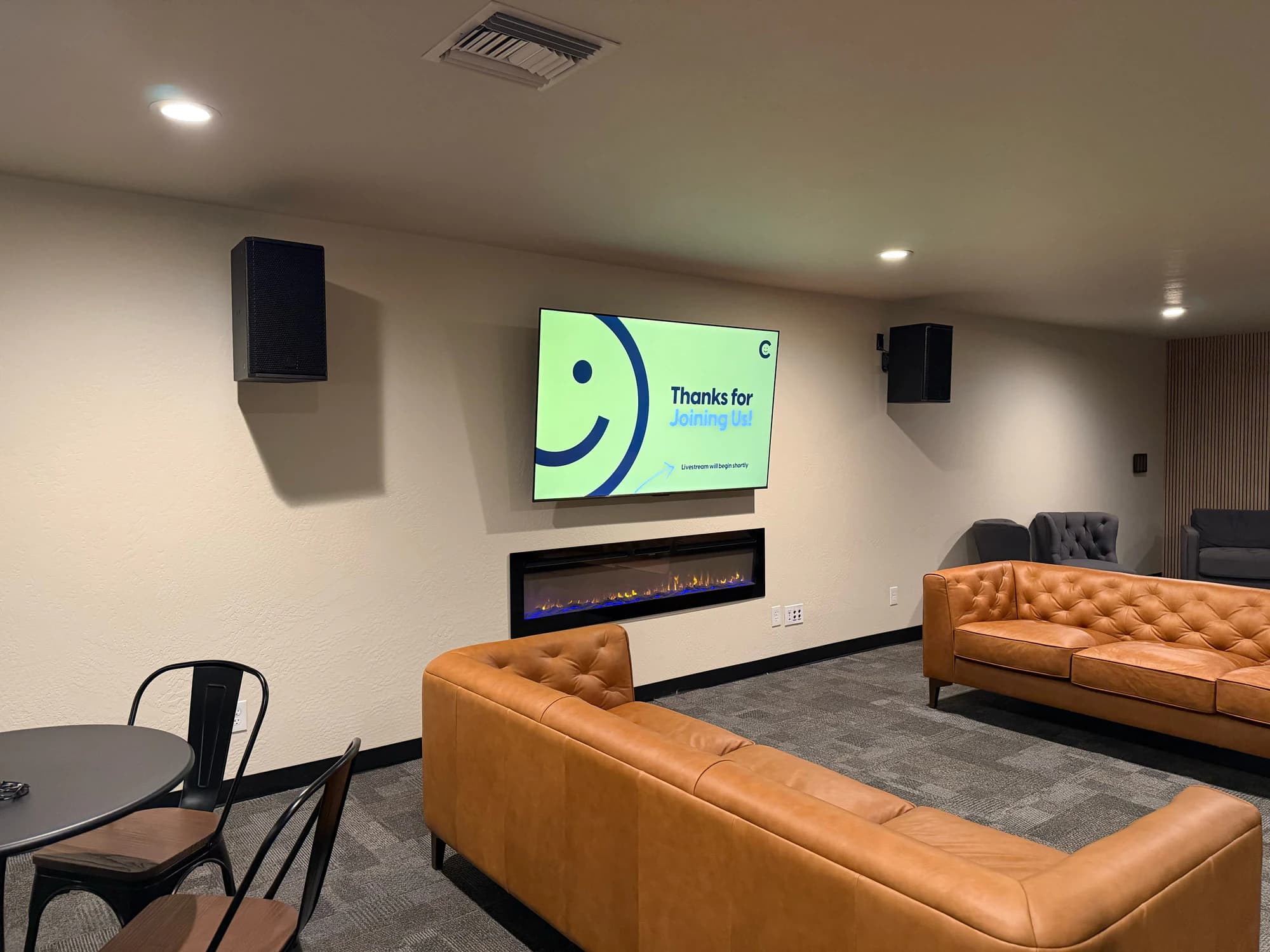 Joy Church / Medford, Oregon
Beyond the sanctuary
Confidence monitors for the stage. Clean feeds for lobby and overflow displays. Signage that updates from one place. If the service should be seen there, the signal should arrive clean and stay dependable. At Joy Church, distributed 12G video brings the service to a lobby display that also serves overflow.
View the Joy Church projectA church video system can include cameras, lenses, tripods, robotic control, switching, graphics, recording, IMAG to an LED screen or projector, confidence displays, routing, distribution, streaming encoders, network infrastructure, commissioning, and volunteer training.
Start a project